
Introduction
Private RDP Explained Complete User GuidePrivate RDP (Remote Desktop Protocol) is a secure and dedicated way to access remote systems Unlike shared RDP it provides full control over resources faster speed and enterprise‑grade security. This guide explains everything you need to know from setup to benefits and best practices Private RDP Explained Complete User Guide
What Is Private RDP
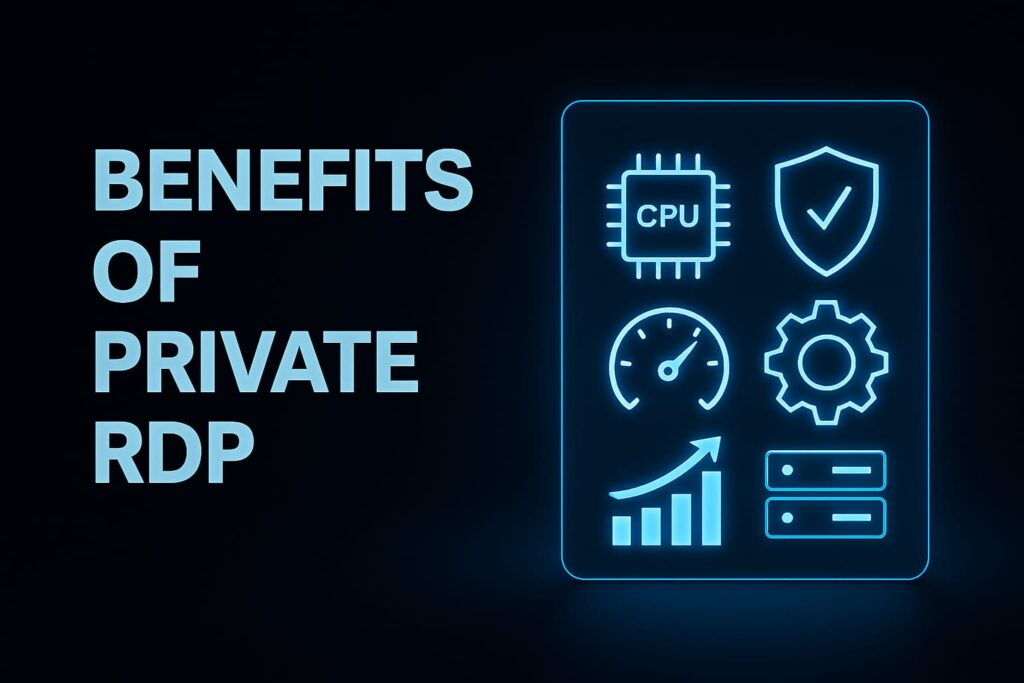
Private RDP means exclusive access to a remote machine without sharing resources with other users. This ensures consistent performance privacy and reliability. It is ideal for businesses freelancers and IT professionals who require seamless connectivity and secure remote access Private RDP Explained Complete User Guide
Benefits of Private RDP
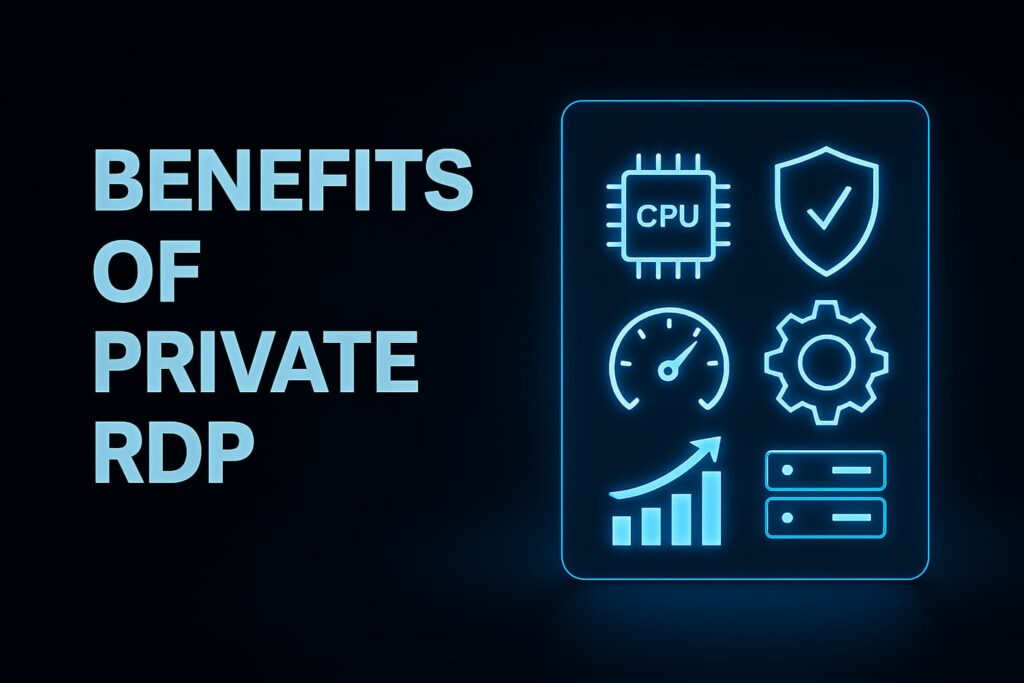
Private RDP offers several advantages: dedicated CPU and RAM advanced security high‑performance speed customizable setup and scalable solutions. These features make it a flexible and reliable choice for professional and business environments.
Setting Up Private RDP
To set up a private RDP start by selecting a trusted hosting provider with a strong reputation. Choose specifications carefully RAM CPU and storage should match your workload. Next configure access credentials and firewall rules to control who can connect. Always secure the connection with strong passwords and multi factor authentication to prevent unauthorized access. Finally test performance regularly to ensure stability and make adjustments as your needs grow.
(Here image should be placed: Private RDP Explained Complete User Guide)
Choosing the Right Provider
Selecting the right provider is critical for long term success Look for servers located near your region to reduce latency and improve speed Ensure they offer 24/7 support encrypted connections and flexible pricing plans that fit your budget. Checking reviews and reputation helps avoid unreliable services and ensures business continuity. A reliable provider is the foundation of smooth secure remote access.
Security and Performance
Security should always be the top priority. Use strong passwords enable Network Level Authentication (NLA) and install firewalls and antivirus software Keep your operating system and RDP software updated and monitor login activity to prevent unauthorized access Performance depends on proper resource allocation. Choose a plan with sufficient RAM and CPU maintain a stable internet connection and disable unnecessary background processes. Optimizing display settings and scheduling regular maintenance will keep sessions smooth and efficient.
Practical Use Cases
- Private RDP is widely used across industries.
- Freelancers rely on it for accessing design tools and client files remotely.
- Businesses use it to manage teams and secure sensitive data.
- Developers benefit from running test environments and deploying applications.
- Data entry teams prefer private RDP for handling bulk tasks quickly and reliably.
- This versatility makes RDP a powerful solution for professionals across different fields.
Troubleshooting and Best Practices
Common issues include connection drops slow speed login errors and software conflicts. These can often be resolved by checking firewall settings upgrading resources resetting credentials or updating software.
- Best practices include:
- Logging out after each session
- Avoiding public Wi‑Fi
- Backing up data regularly
- Enabling multi‑factor authentication
- Training users on safe RDP habits
- Following these steps ensures long‑term security and efficiency.
Final Thoughts
Private RDP is a smart solution for secure high‑performance remote access. Whether you are working independently or managing a team it offers flexibility control and peace of mind By choosing the right provider following strict security measures and optimizing performance you can enjoy seamless connectivity and reliable productivity
Summary
Private RDP is more than just a remote access tool it s a complete solution for secure high performance connectivity By setting up with a trusted provider configuring strong credentials and enabling multi‑factor authentication users can ensure their sessions remain safe from unauthorized access Performance optimization such as allocating sufficient RAM and CPU disabling unnecessary
processes
and maintaining a stable internet connection keeps workflows smooth and efficient Across industries private RDP proves its value: freelancers use it for design tools and client projects businesses rely on it for team management and sensitive data protection developers benefit from testing and deployment environments and data entry teams handle bulk tasks quickly and reliably
Troubleshooting
common issues like connection drops or slow speed is straightforward when best practices are followed regular updates firewall checks and resource upgrades.Ultimately private RDP offers flexibility control and peace of mind. Whether you re working independently or managing a team it ensures seamless connectivity and productivity By combining strong security measures with performance optimization you can unlock the full potential of remote access and build a reliable foundation for long term success.