
WordPress 2025 Bud K
- 6 key changes in WordPress 6.8
- 6 key changes in WordPress 6.8
6 key changes in WordPress 6.8
In 2025 WordPress released its first and final major update of the year: WordPress 6.8This marks a shift from the usual three major updates per year Think of WordPress 6.8 as a polishing-up release Many of its changes are subtle to the eye or under the hood where parts of the underlying code have been updated This update is one of the 6 key changes in WordPress 6.8 that sets the tone for future improvements
Codebase and Feature Enhancements
6 key changes in WordPress 6.8
Much of this release focuses on standardizing code making plugins and themes easier to create going forward Since the Gutenberg project is now over five years old parts of its codebase have been refreshed As with all major releases WordPress 6.8 includes improved features performance enhancements accessibility upgrades bug fixes and stronger security One of the 6 key changes in WordPress 6.8 is a more secure way to log into your WordPress admin This article highlights the new features and UI improvements using the default Twenty Twenty-Five theme
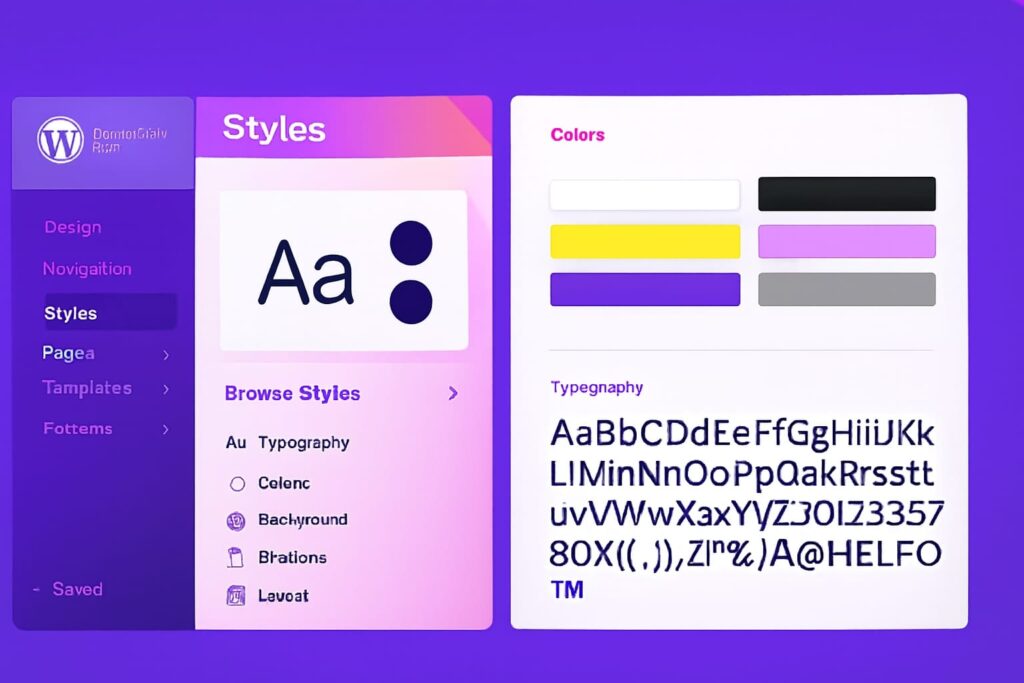
Glimpsing the Style Book in a Classic Theme
Viewing the Style Book in a classic theme While we are on the topic of the Style Book WordPress 6 Key Changes now supports viewing a rudimentary Style Book while using a classic theme This continues the effort to lessen the differences between the classic and block themes to the extent possibleMind you you wont have styling functionality like you have with a Block Theme yet For now changing styles for a classic theme will still require using the Customizer settings When using a classic theme such as the well known GeneratePress you ll now see a Design option in the Appearance section of your WP Admin
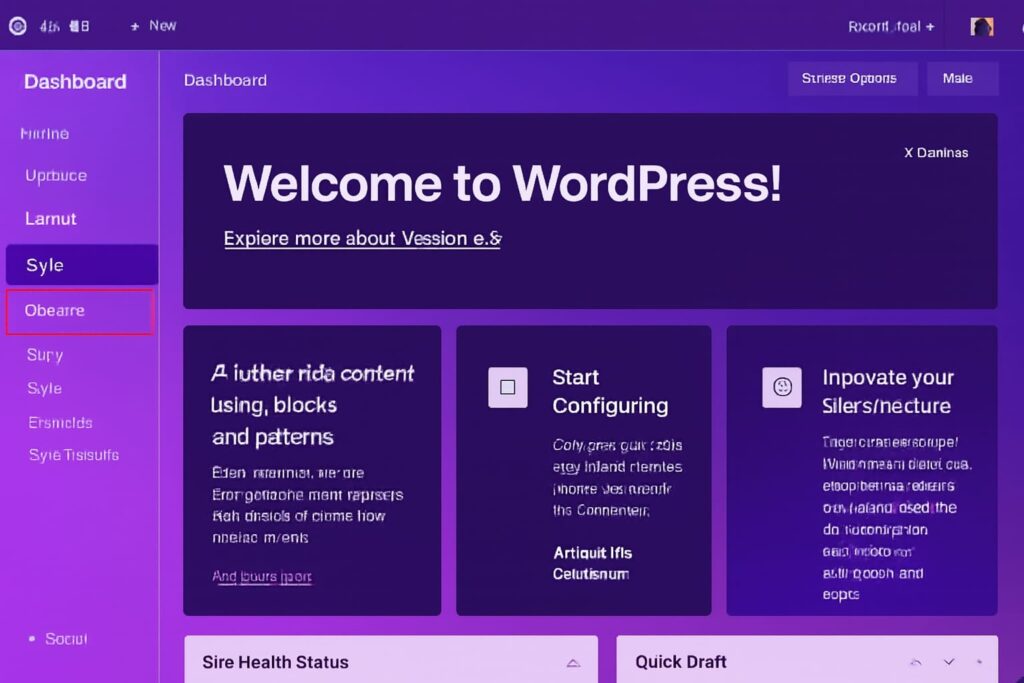
New Style Option in Classic Themes WordPress 6.8
After selecting the Design option in a classic theme like GeneratePress you ll now see two tabs: Pattern and Style. The Style tab is new in WordPress 6.8 and part of the 6 key changes in WordPress 6.8 that help bridge the gap between classic and block themes While styling still requires the Customize this update improves visibility and control for classic theme users
Sticky Post Rendering Fixed in Query Loop
One of the 6 key changes in WordPress 6.8 is the refinement of the Query Loop block which is essential for displaying blog archives A long-standing issue with sticky posts has finally been resolved Previously sticky posts appeared correctly on the live site but not in the editor causing confusion Now sticky posts reliably show at the top of the loop in both the editor and front end view restoring consistency between what you create and what visitors see
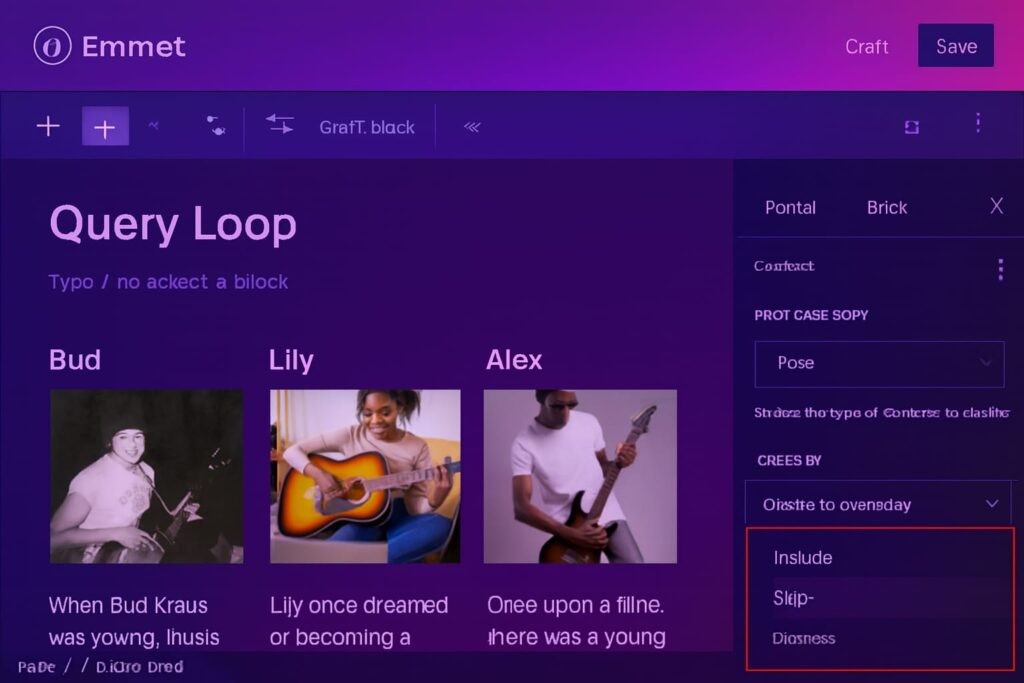
New Option to Ignore Sticky Posts
Another improvement in the Query Loop block is the ability to ignore sticky posts when needed This feature is helpful when you want to exclude specific posts from the top of your archive You ll find this new option in the Sticky Posts drop down menu making it easier to customize your post order These enhancements are part of the 6 key changes in WordPress 6.8 that improve editorial control and user experience
Query Total Block in WordPress 6.8
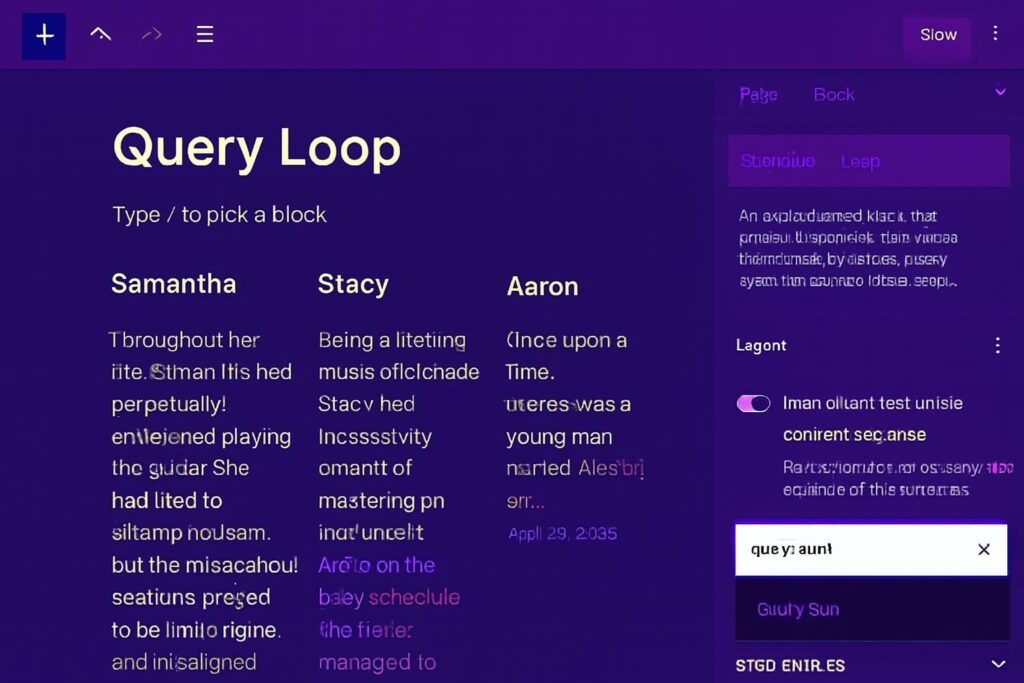
Discover how the new Query Total block one of the 6 key changes in WordPress 6.8 helps your visitors see the total number of posts or pages in any archive Available exclusively within the Query Loop block
How to Use the Query Total Block
To use the Query Total block one of the 6 key changes in WordPress 6.8 make sure you re working inside the Query Loop block Click the plus icon at the bottom right corner and search for Query Total This feature helps display the total number of posts or pages in any archive, making your layout more informative and user-friendly
Resetting the Color Picker in WordPress 6.8
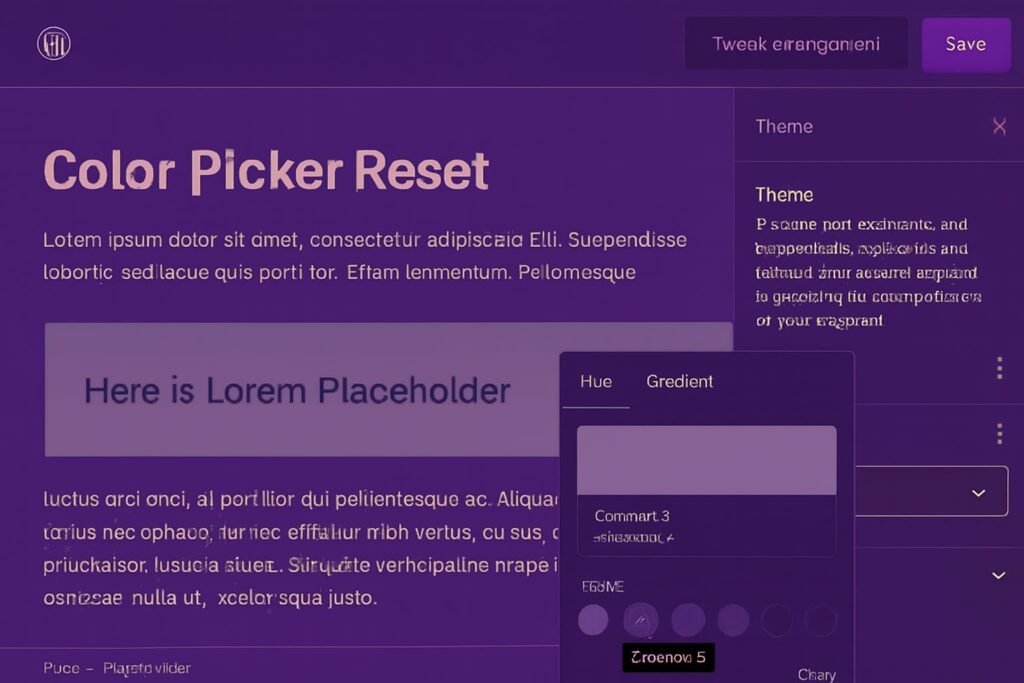
As part of the 6 key changes in WordPress 6.8 the new color picker reset is a subtle but useful feature With a single tap any selected color returns to its original state like brushing away a moment to begin again Here my heading once carried a soft gray tone and now with this gentle reset it slips back to pure simplicity
Color Picker Reset in WordPress 6.8
As part of the 6 key changes in WordPress 6.8 resetting a selected color is now simpler and more intuitive. Instead of manually choosing the default color you can now hover over the Background label and click the minus icon to instantly restore the original color This small but thoughtful update makes it easier to maintain design consistency without remembering previous settings
Featured Image Update in WordPress 6.8
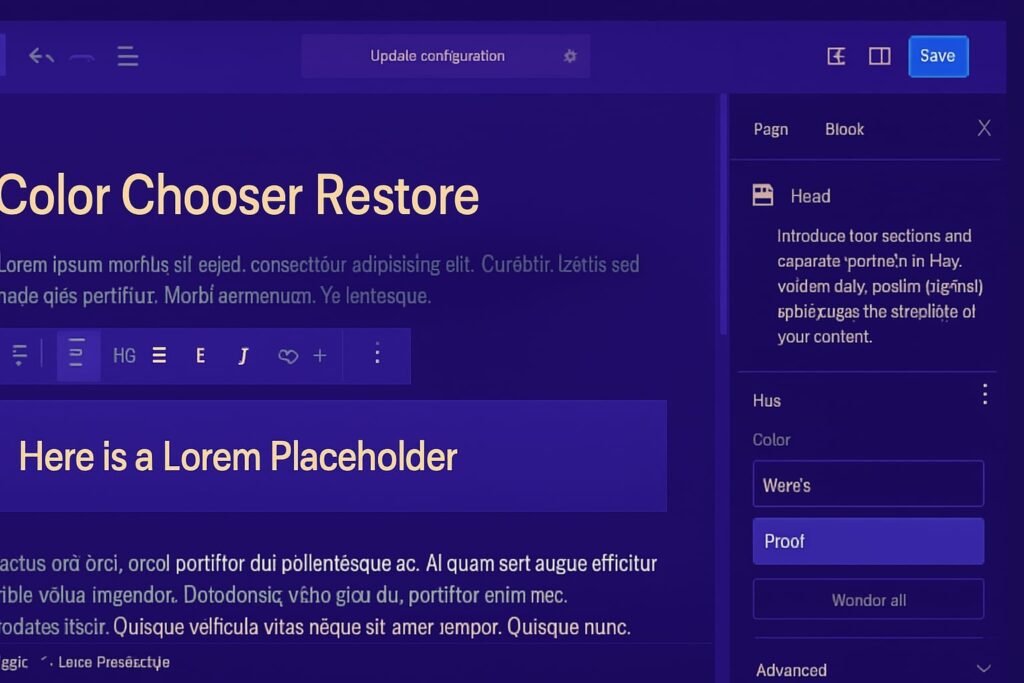
Among the 6 key changes in WordPress 6.8 is a smarter way to set a featured image. Instead of using the sidebar you can now select any image within your post and elevate it instantly. Just click the three dot menu on the image block choose Set as featured image and your chosen picture steps into the spotlight ready to tell your story s first glance This feature currently supports paragraph and heading blocks with more block types expected in future updates.
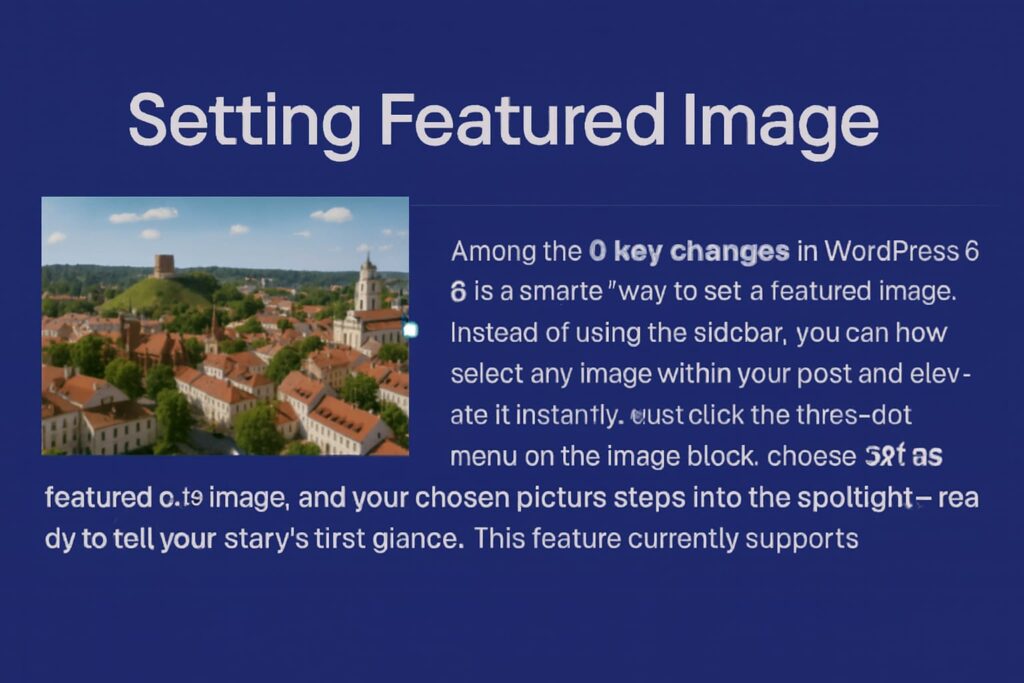
Choosing the Right Image in WordPress 6.8
Step one: Find the image that speaks to you Step two: With one gentle choice it rises no more uploads no wandering through endless files Just a quiet moment saved and your story blooms effortlessly in the light
how template PrimeView has an additional location
New with WordPress 6.8 is a faster way to access the underlying template for the page or post you re working on If you re not familiar this is a toggle that allows users to switch between editing the template and content making any adjustment to either of them smooth and seamless The new toggle option for Show template is not in an obvious location though as it is included on the dropdown menu with the different view modes of the given page or post
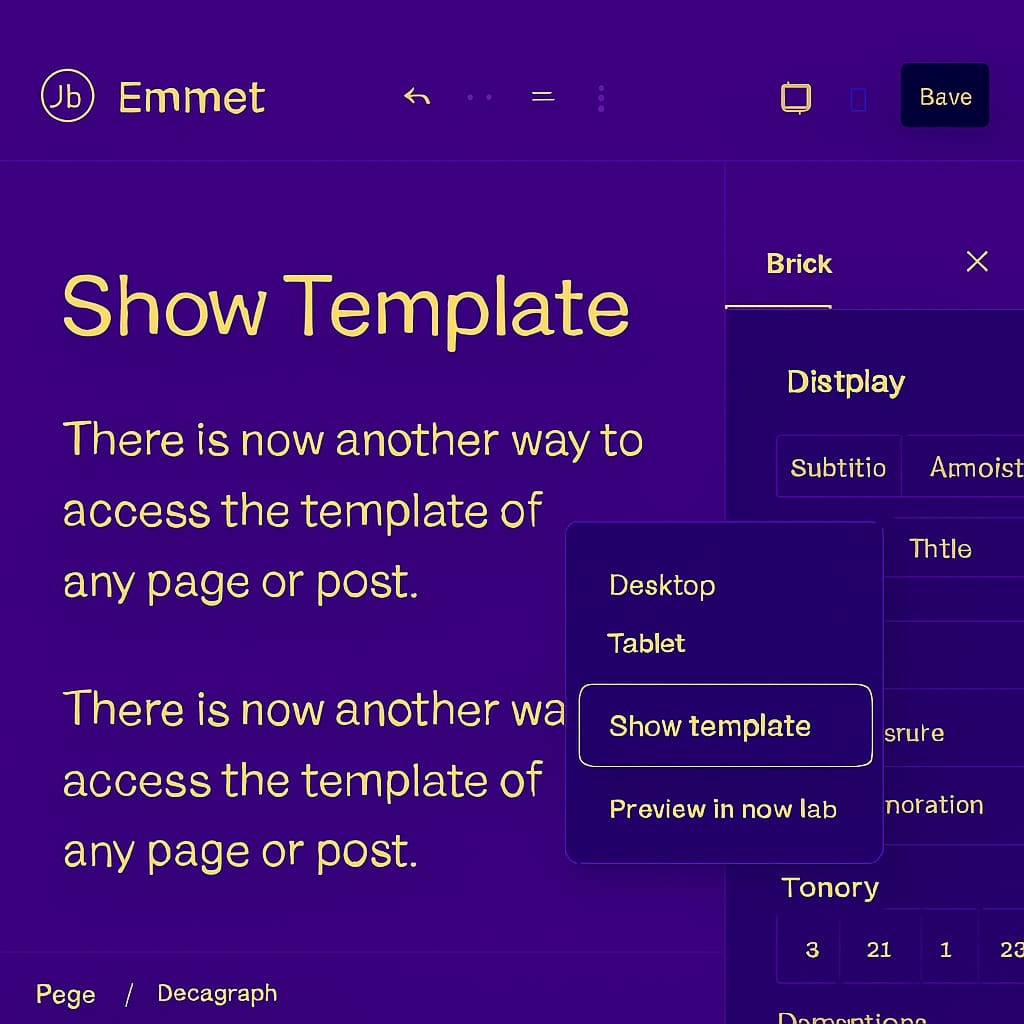
Of course this option isn t available for classic themes because they don t support the Site Editor
Summary
While WordPress 6.8 does not have the flashy new features you may expect with a major release there are plenty of UI improvements that will provide a smoother more secure and more productive experience when you work with WordPress If you haven t already update your WordPress website to the latest version now!
Written by Rizwan Khan
Managing Director & Web Developer Rizwan is the technical backbone of Arshman Marketing, ensuring flawless website performance and seamless project execution. He specializes in WordPress development, front-end design, and system management